Repairs and leaks
Collect the caller’s description, the affected fitting, the property address and when the problem started. Read the summary before deciding which call needs your attention first.
 Monty
MontyMonty for Plumbing & heating
Keep the job flowing. We’ll get the phone.
A leaking tap, a boiler service and a customer chasing a visit all need a different response. When you’re working in someone’s home, Monty answers your routed calls and collects the details you need to follow up.
The calls that make up your day
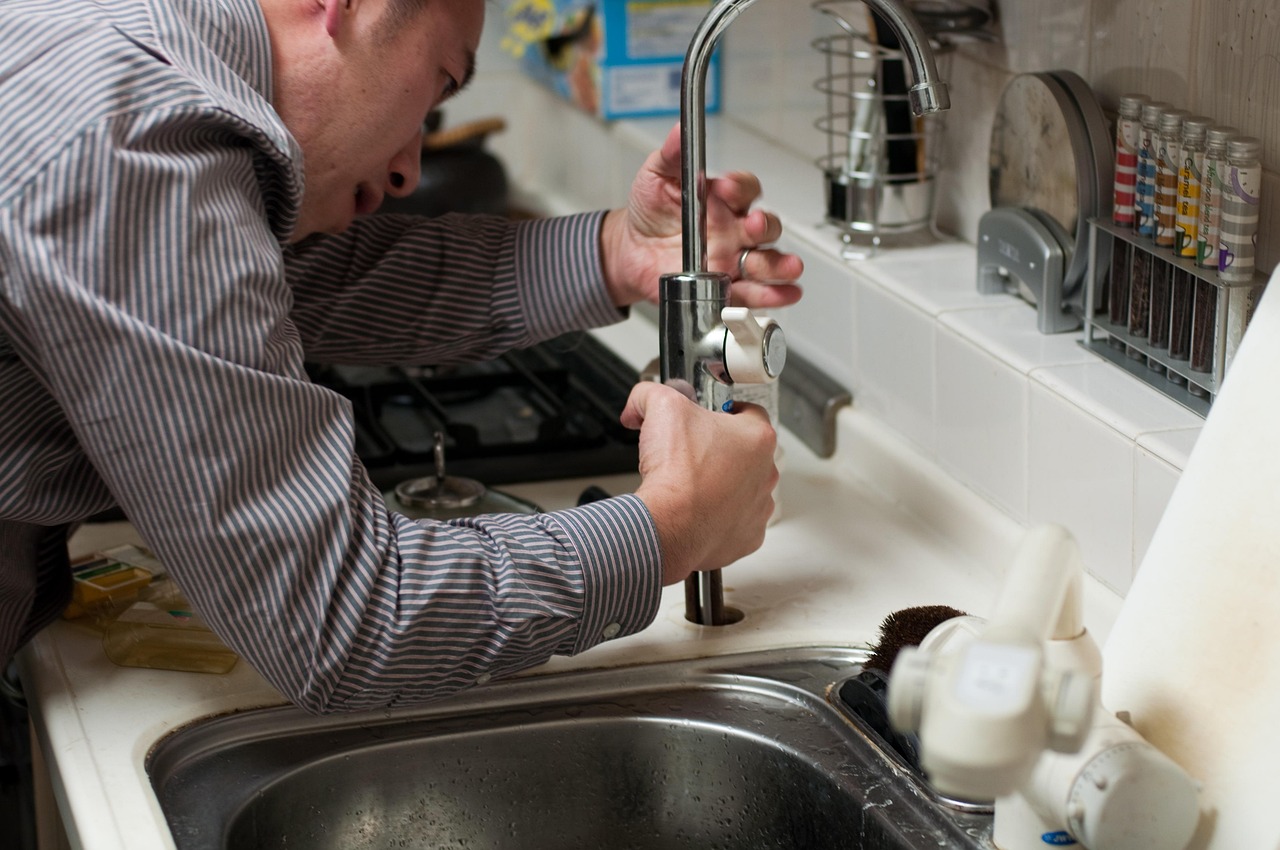
Collect the caller’s description, the affected fitting, the property address and when the problem started. Read the summary before deciding which call needs your attention first.
Capture the type of heating enquiry, any make or model the customer knows and their preferred timing. A service request and a loss of heating can reach you with the right context.
Take messages about bathroom installations, replacement radiators and jobs already underway, with enough detail to prepare a useful callback.
Less piecing things together
Set up Monty to ask the questions that matter to your business. A useful first conversation can cover:
A receptionist that knows your business
Add your service area, the plumbing and heating work you take on, opening hours and any approved call-out information. Give Monty your questions for repair enquiries and your instructions for urgent messages. Your team still assesses the fault and agrees the work.
A few things you might be wondering
Yes. Forward your business calls to Monty using your chosen answering setup. It can answer with your business greeting, collect the caller’s details and leave a summary for you to review between jobs.
Add any fixed service prices or call-out information you want Monty to share to your approved business knowledge. For work that needs inspection, Monty can take the request so you can assess it and provide a quote.
Monty can record the problem described by the caller and follow your configured call-handling instructions. It is a receptionist, not a fault-diagnosis or emergency-response service; your team decides how to respond.
You can route calls from your existing business number to Monty using call forwarding. Availability and forwarding charges depend on your phone provider. Follow the setup guidance in the app and test the route before relying on it for customer calls.
Open Monty to review call activity, summaries and customer details, then decide what needs a reply or follow-up. You can use Monty in your browser; the iPhone app is coming soon.
A little help with the everyday
Set up Monty with your business details, choose how to handle your calls and try your receptionist.